
Start professional crypto trading with your Bitget account on TradingView

Excellent


good. many promos. easy registration.
Why trade with Bitget on TradingView?
Why trade with Bitget on TradingView?
Powerful Security
Your assets are protected by advanced encryption, MPC wallets, and self-custody solutions, keeping their security firmly in your control.

Everything You Need for Trading
Watchlists, trading alerts, and instant news, fully integrated into your charts and trading workspace.

Fund Protection
$741 million Protection Fund and 1:1 verified reserves to help you trade with confidence.

How do I trade on TradingView with Bitget?
How do I trade on TradingView with Bitget?


Professional trading starts with TradingView analysis
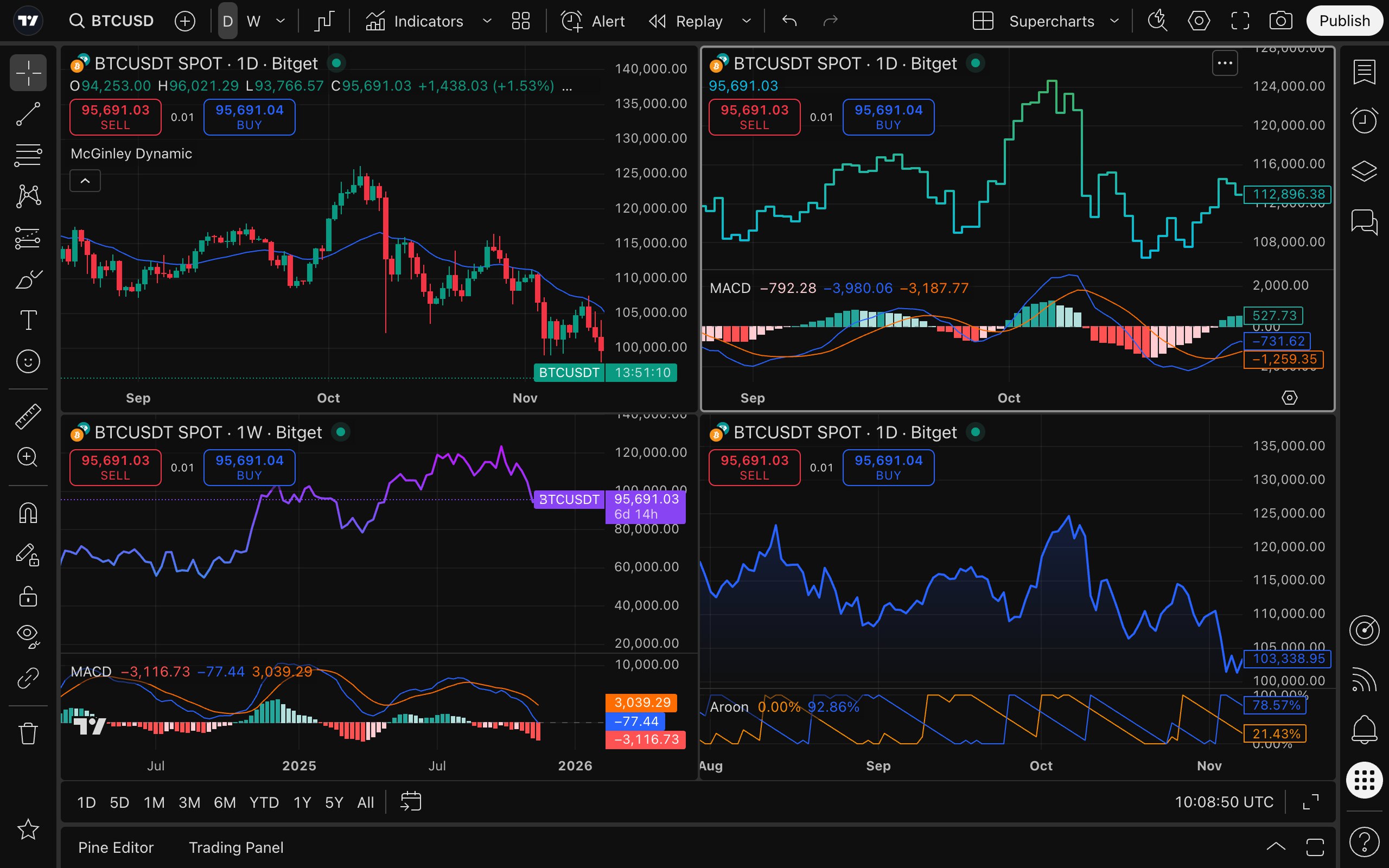
Powerful charting tools: Integrated with over 20 professional charts, 400+ built-in indicators, and 100+ asset screening conditions, covering real-time news and financial data to help you analyze, screen, and make decisions.
Custom indicators: 13 customizable price, indicator, and strategy alert conditions with instant push notifications to help you stay ahead of market trends.
Strategy backtesting: Use Pine Script™ to quickly build trading ideas into testable strategies and indicators, and use the strategy tester to repeatedly verify them with historical data, making every order more grounded and confident.
Trading community: Join over 100 million traders to view expert opinions, learn practical ideas, and discover massive original strategies at any time, so your trading is no longer done behind closed doors.
Leave trade execution to Bitget
Analysis + Execution in one step

Seamless trading across devices
Seamless trading across devices
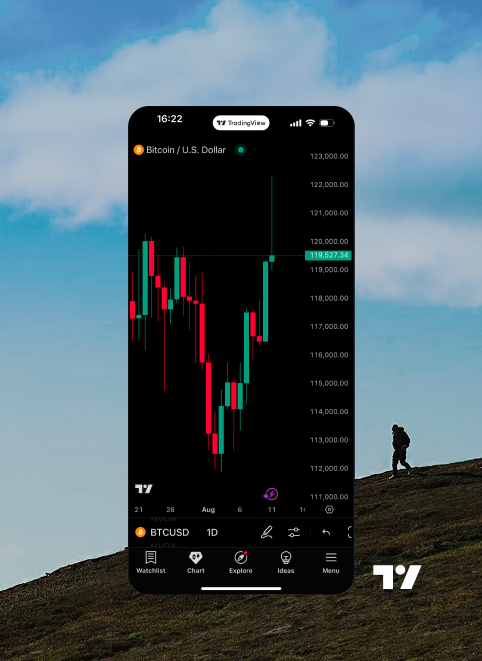
Enhance your experience with powerful desktop app features, or trade easily anytime, anywhere via the mobile app.



How to use:
How to use:
01/Create an account
Sign up for a Bitget account and create a free TradingView account.
03 / Connect Account
Enter your Bitget account details to complete the account connection.
02 / Experience Bitget on TradingView
Find Bitget in TradingView's Trading Panel or broker list.
04/Start Trading
Place orders directly on TradingView's Supercharts using your Bitget account.

FAQHow do I create a TradingView account?
Visit tradingview.com, click the profile icon in the top-right corner, then click “Sign In” and choose your preferred verification method. Don't forget to explore the community, news and insights, and market tools to discover more.
Which browsers does TradingView support?
TradingView is compatible with all major browsers and also offers desktop and mobile apps, which you can download from the official website.
How do I deposit and withdraw?
After connecting to TradingView, your broker will continue to handle all transactions for your account, including deposits and withdrawals.What assets can I trade using my Bitget account on TradingView?
All futures assets supported by Bitget can be traded on TradingView, and spot assets are currently being integrated.How can I practice trading without using real funds?
You can use the "Paper Trading" feature to experiment without investing real funds. To start paper trading, simply open a chart, go to the trading panel, and select "Paper Trading". Please note that the execution speed and order performance of paper trading may differ from a real account.
Where can I find TradingView tutorials and guides?
There are many ways to learn more about TradingView: You can check TradingView's Help Center, submit a ticket, or ask your broker for help. In addition, TradingView's official YouTube channel also provides a wealth of tutorial videos to help you get started quickly.
What are the fees?
Access is free for our clients; you only need to pay the regular broker fees and commission. Additionally, if you need more advanced features, you can purchase TradingView's premium plans.
FAQ
How do I create a TradingView account?
Visit tradingview.com, click the profile icon in the top-right corner, then click “Sign In” and choose your preferred verification method. Don't forget to explore the community, news and insights, and market tools to discover more.
Which browsers does TradingView support?
TradingView is compatible with all major browsers and also offers desktop and mobile apps, which you can download from the official website.
How do I deposit and withdraw?
After connecting to TradingView, your broker will continue to handle all transactions for your account, including deposits and withdrawals.
What assets can I trade using my Bitget account on TradingView?
All futures assets supported by Bitget can be traded on TradingView, and spot assets are currently being integrated.
How can I practice trading without using real funds?
You can use the "Paper Trading" feature to experiment without investing real funds. To start paper trading, simply open a chart, go to the trading panel, and select "Paper Trading". Please note that the execution speed and order performance of paper trading may differ from a real account.
Where can I find TradingView tutorials and guides?
There are many ways to learn more about TradingView: You can check TradingView's Help Center, submit a ticket, or ask your broker for help. In addition, TradingView's official YouTube channel also provides a wealth of tutorial videos to help you get started quickly.
What are the fees?
Access is free for our clients; you only need to pay the regular broker fees and commission. Additionally, if you need more advanced features, you can purchase TradingView's premium plans.